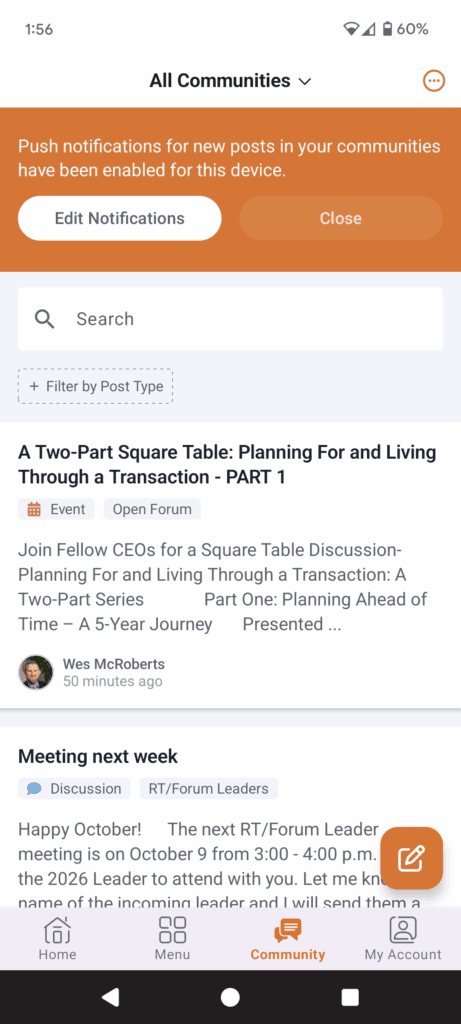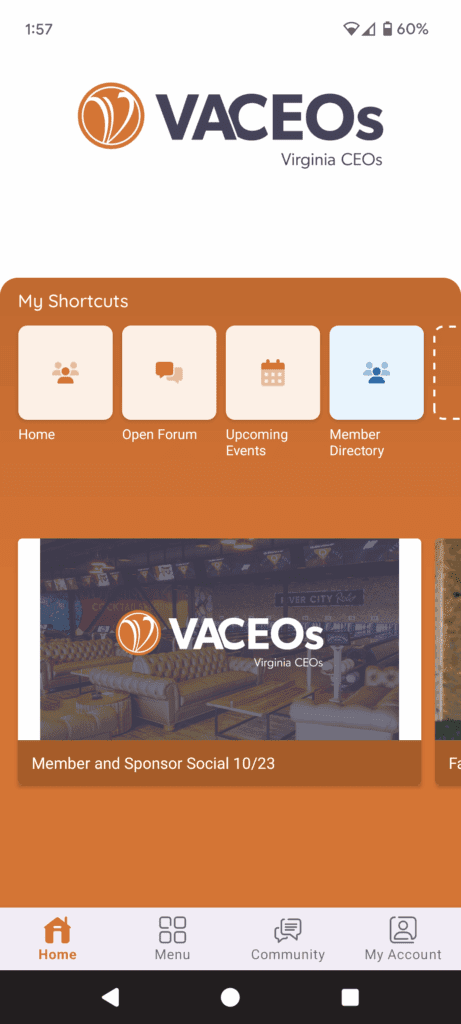
Introducing the New VACEOs Connect App
We’re excited to announce that VACEOs Connect is now available as a mobile app! This new tool makes it easier than ever to stay connected with fellow members, access resources, and engage with the community; right from your phone or tablet.
With the app, you’ll be able to quickly join discussions, register for events, and keep VACEOs at your fingertips wherever you go.
Below, you’ll find step-by-step instructions and screenshots to help you download, install, and log in to the new VACEOs Connect app. Getting started is simple, and we can’t wait for you to experience this convenient way to stay engaged.
Step 1 – Download the Higher Logic Thrive 365 App
Google Play
Apple App Store
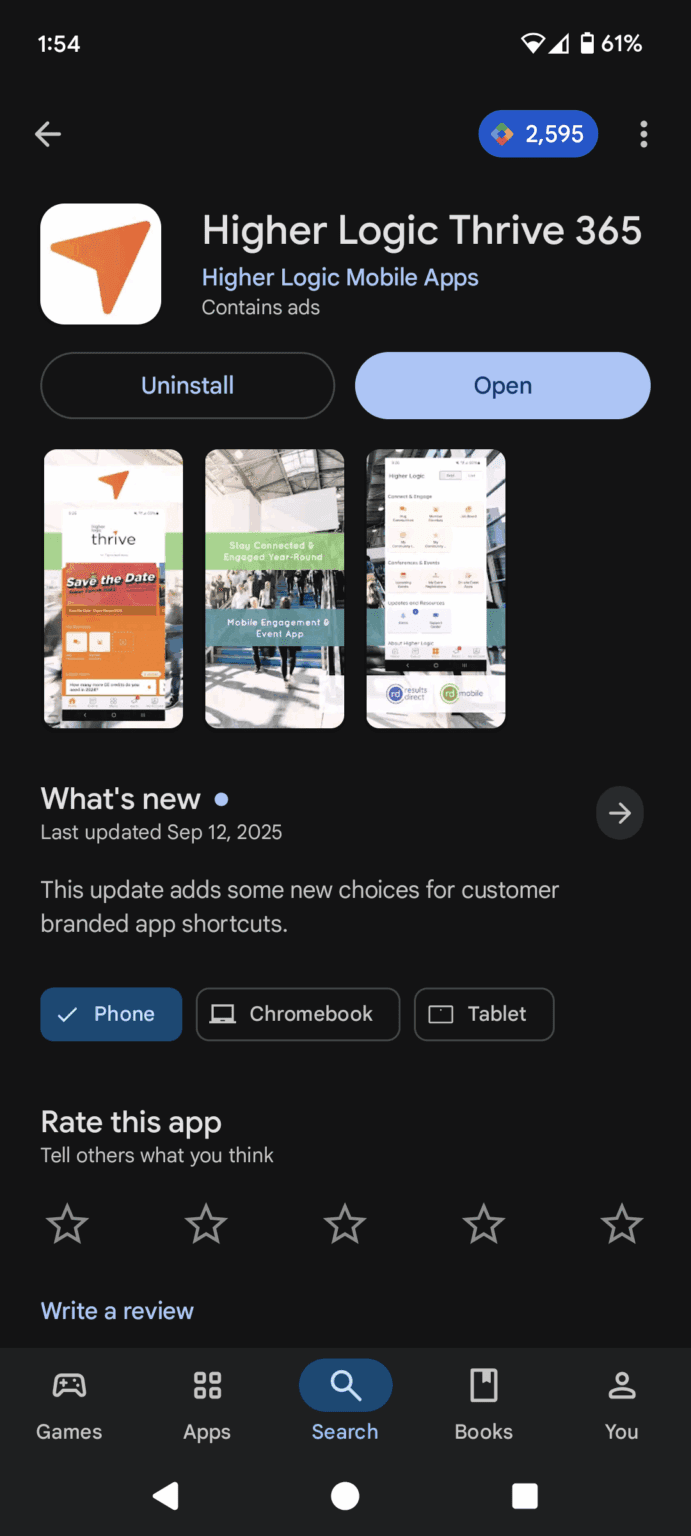
Step 2 – Once downloaded, enter “vaceos” in the search bar when prompted
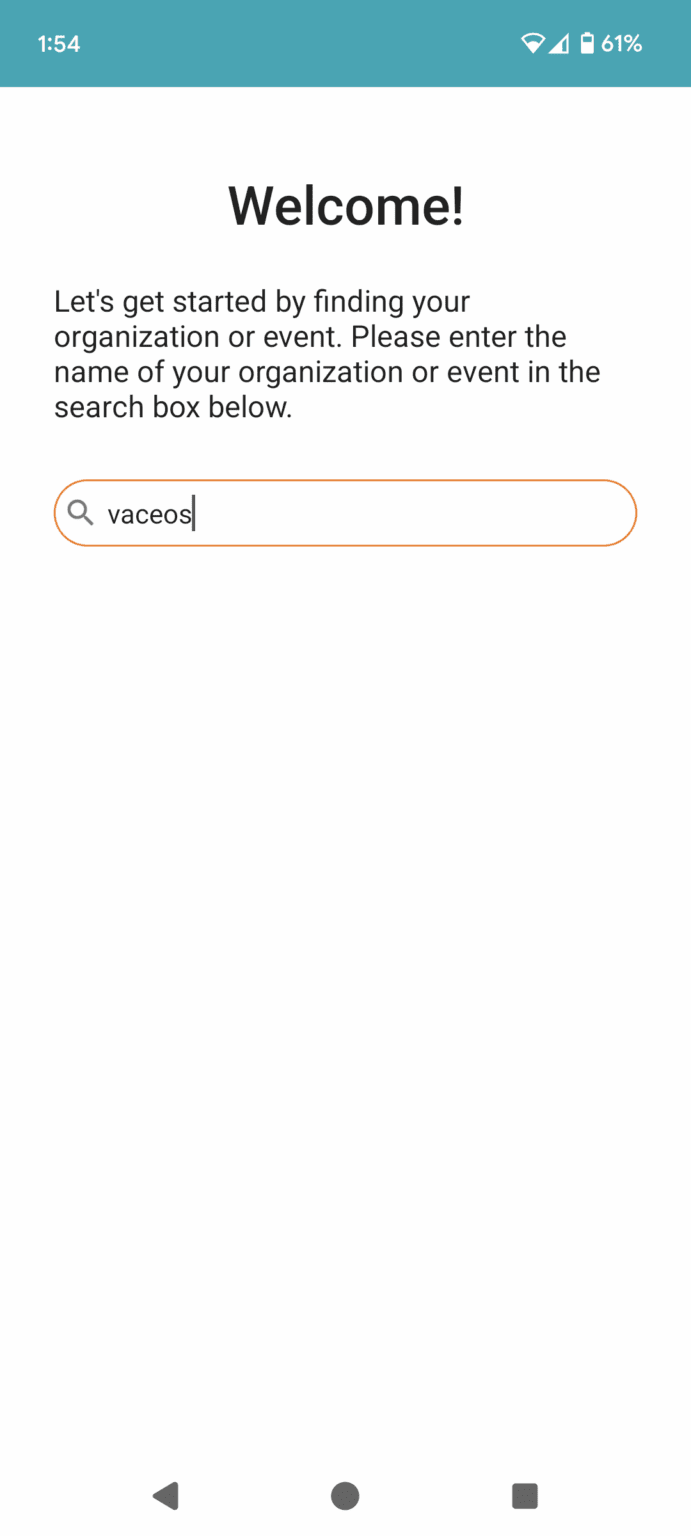
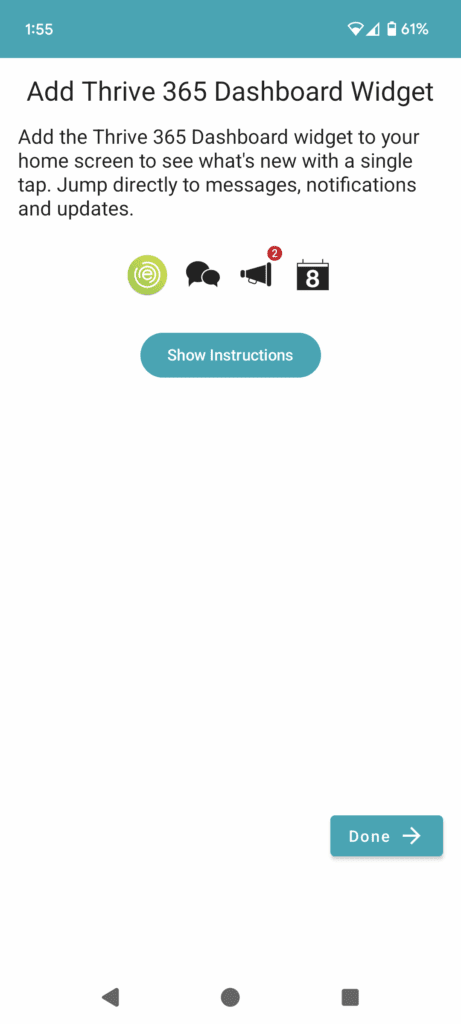
Step 3 -You can add the app to your home screen, which will have our logo as the app icon.
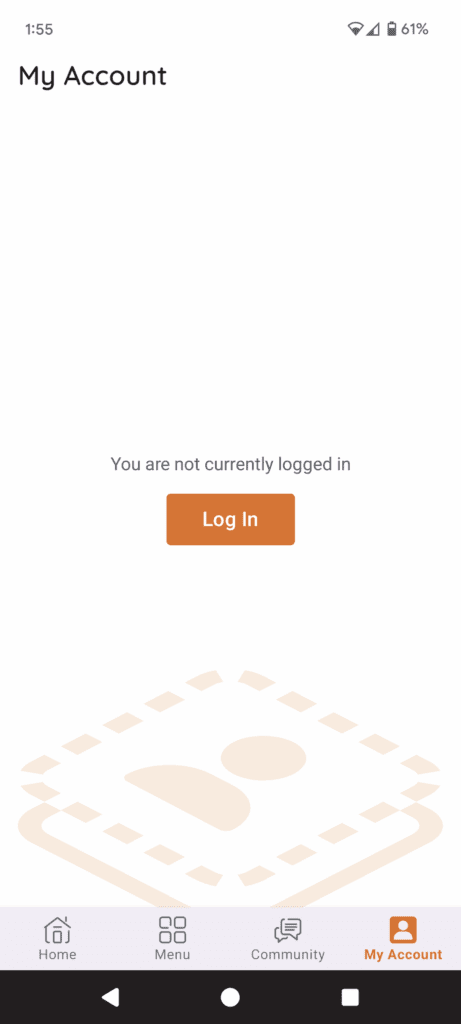
Step 4 – Navigate to My Account or Community on the bottom toolbar, where you will be prompted to log in to VACEOs Connect.
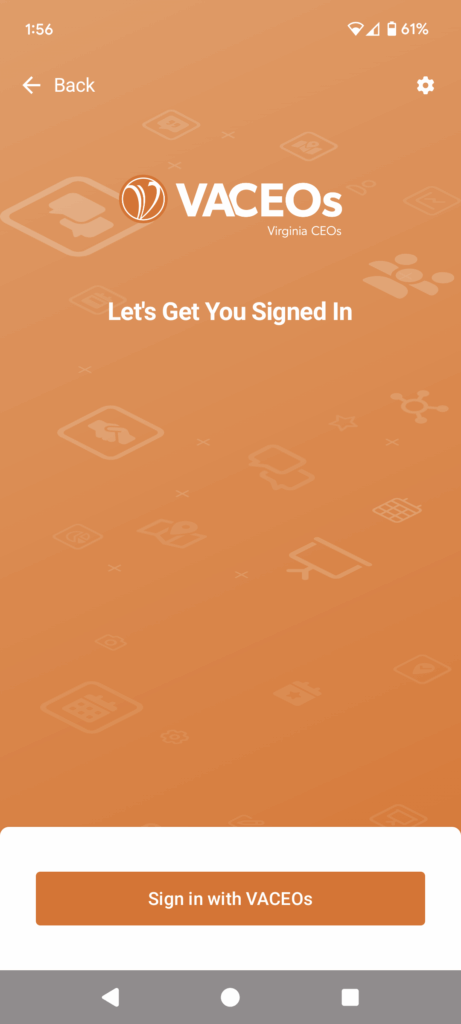
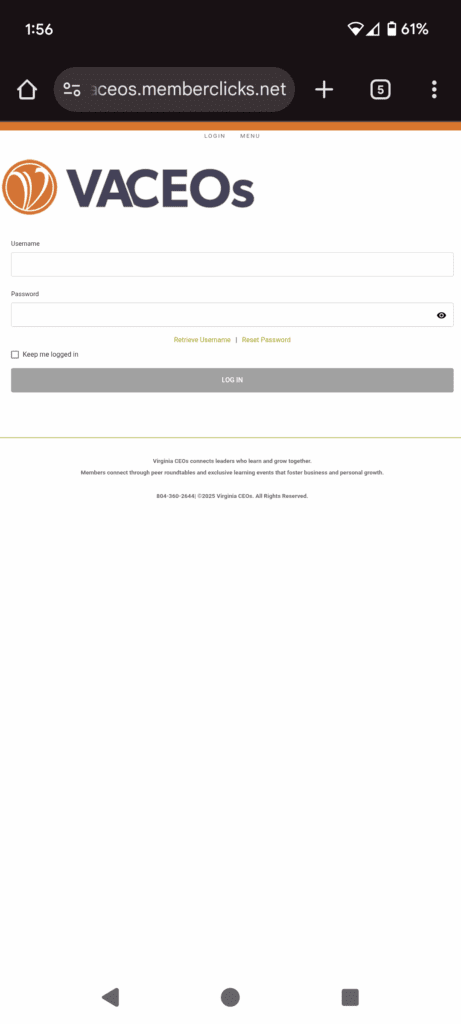
Step 5 – Log in using your VACEOs Connect login information, your username is generally your email. If you need help logging in, please reach out to Wes – wes@vaceos.org
Step 6 – That’s it! You will be redirected to the Community tab, feel free to navigate using the toolbar at the bottom to access the home screen as well as the menu which contains useful links and resources.
Enable notifications to stay up to date on important information and to stay even more connected!